Open the part file for which you want to obtain the rough stock dimensions.
Run the macro.
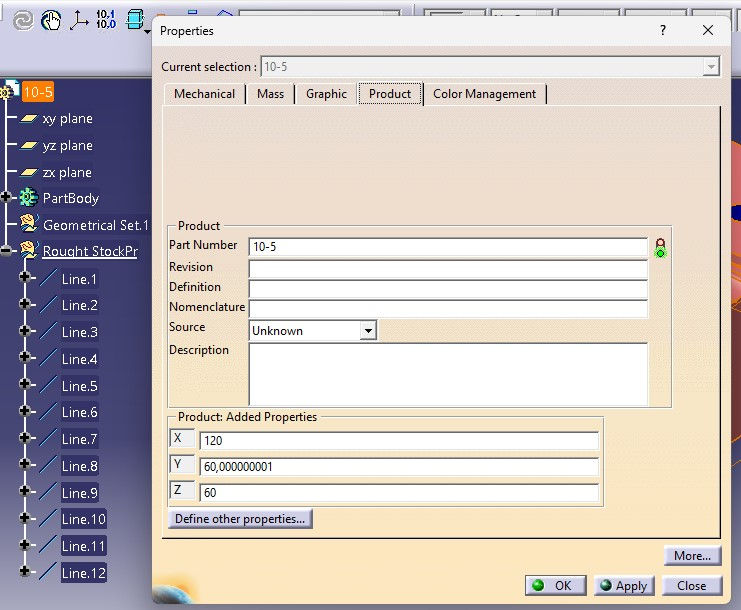
Once the macro completes, a wireframe cage representing the rough stock volume will be created, and the stock dimensions will be written as parameters in the part properties.
This macro creates rough stock dimensions for the main body in the open part file (based on its current axes) and writes them as parameters into the material properties.
It will be useful when creating quotes for your manufacturing parts or placing rough material orders.
Part Design environment.
To play, press and hold the enter key. To stop, release the enter key.